
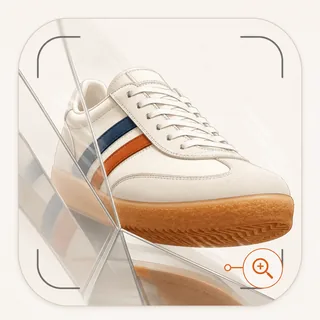
AI product photoshoot

A full product shoot, without booking one.

Pick a style, pick how many shots, generate. Studio, close-up, lifestyle, retro, or something stranger, all built from your real product so the packaging, the colourway, and the label stay exactly as they are. Then animate any frame you like into a product video.

1 credit per photoStudio, lifestyle, close-up, retroAnimate any shot into video
Styles

Five directions, one product.

Each style is a different way of arguing for the same object: clean, close, in-context, unexpected, or period-styled. Pick one and the whole batch is shot that way.

Standard photoshoot style example
Standard
Close-up photoshoot style example
Close-up
Lifestyle photoshoot style example
Lifestyle
Out of the box photoshoot style example
Out of the box
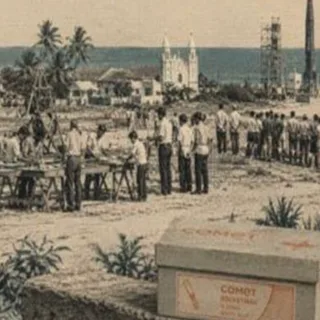
Retro photoshoot style example
Retro
How it works

Style, count, generate.

There is no prompt box to fight and no brief to write. The whole flow is three decisions, and the last one is how many shots you want.

Step 01

Add the product

Paste a product URL, or upload up to 8 reference photos taken on a phone. Either way the shoot is built from the real thing, which is why the cap colour and the label text come back right instead of approximately right.

Step 02

Pick a style and a count

5 styles, from clean studio through lifestyle to deliberately strange. Choose how many shots you want in the batch, up to 15 at a time, and generate. There is no prompt to write.

Step 03

Keep the good frames, animate the best

Everything lands in your gallery. Save a shot you like as a template and it becomes reusable on other products. Hit animate on a frame and it renders as a short product video, with the product unchanged.

Choosing a style

What each one is actually good for.

StyleBest forWhat it looks likeNotes
StandardCatalogue and PDPClean, styled, litThe default. Product-forward frames that work anywhere you need a packshot
Close-upTexture and ingredientsMacro, shallow depthFor when the proof is in the material: grain, finish, ingredient, stitch
LifestyleAds and socialIn-context, humanProduct placed in a real scene rather than isolated on a sweep
Out of the boxScroll-stoppingUnexpected, editorialDeliberately strange compositions for when the category looks samey
RetroBrand campaignsPeriod-styled lookDerives a period brief from the product, then writes one concept per shot
Features

Moodboards, templates, and the animate button.

A photoshoot is a direction problem more than a rendering problem. These are the parts that let you decide the look cheaply, keep it across products, and turn the best frame into motion.

Moodboards before the shoot

A moodboard is the cheapest place to be wrong. Generate a nine-cell board from your product and you can see the palette, the lighting, the surfaces, and the shot list a direction implies before you spend credits rendering it. Pick a cell you like and shoot that.

  • Nine cells per board, each a distinct visual direction
  • Palette, lighting, materials, and hero shot list per direction
  • Shoot directly from a chosen cell, so the look carries through
  • Boards are saved per product and can be regenerated
Templates you can reuse

The hard part of a shoot is the direction, not the render. Save any shot as a template and it keeps the framing, the lighting, and the intent as a reusable recipe. Apply it to the next product and you get the same look with a different object, which is how a catalogue stays visually coherent.

  • Save any generated shot, or any reference photo, as a template
  • Templates carry extra direction, not just a thumbnail
  • Apply from the card itself or from the template launcher
  • Reusable across products, so a brand look survives the next SKU

Animate: still to product video

Every still in your gallery has an animate action. It renders that exact frame as a short product video, so the shot you already approved is the shot that moves. No reshoot, no separate video brief, and no risk of the product changing between the still and the clip.

  • 4 to 15 second clips from any finished still
  • 4 credits per second of video
  • 9:16, 1:1, and 16:9 output, so Reels and feed are both covered
  • The source still stays linked to the clip it produced

Your product, not a lookalike

This is the difference between a product shoot and an image generator. The shoot is anchored to your actual product: its proportions, its packaging, its label. Generic models invent a plausible bottle. That is fine for a moodboard and useless for a PDP.

  • Up to 8 reference photos to lock the product
  • Product URL read directly for packaging and colour accuracy
  • Brand kit support for logo, fonts, and colours
  • Magic Edit to correct one element without regenerating the shot

Output sized for where it goes

A PDP wants square, a lookbook wants landscape, a Reel wants portrait. Photoshoot output can be generated at any of those, and a finished shot can be re-composed into another size later without spending credits again.

  • Square at 1024 x 1024, landscape at 1536 x 1024, portrait at 1024 x 1536
  • Custom sizes up to a 3840px edge and a 3:1 ratio
  • Size variations on a finished shot are free
  • Download individually or as a batch

Costed as photos, not as ads

A product photo costs 1 credit, half what an ad creative costs, because it is not carrying a strategy tree behind it. That makes volume genuinely affordable: Starter's monthly allowance is 150 product photos, which is more than most brands shoot in a quarter.

  • 1 credit per product photo
  • 150 product photos a month on Starter, 400 on Pro
  • Batches of 1, 3, 5, 8, or 15 shots at a time
  • Magic Edit and size variations cost nothing
Example output

Unedited output, straight from the gallery.

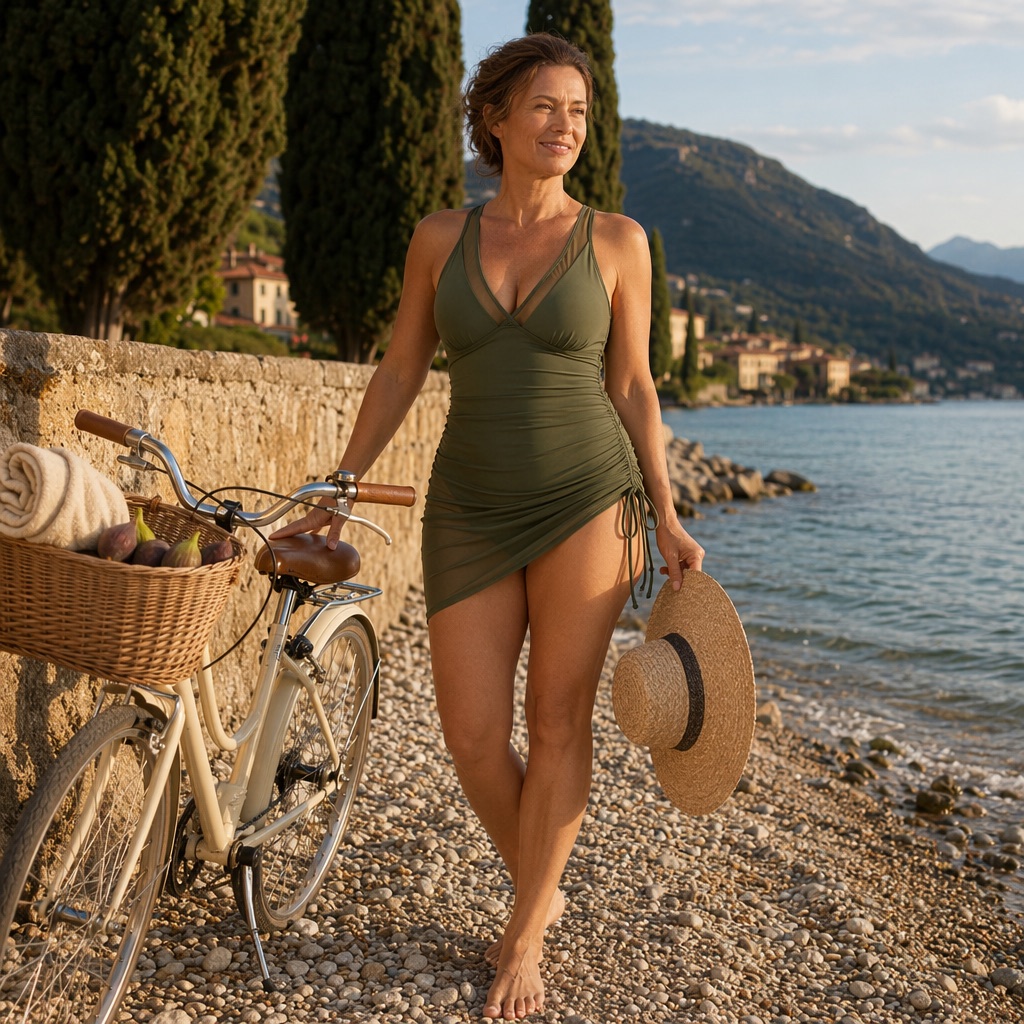
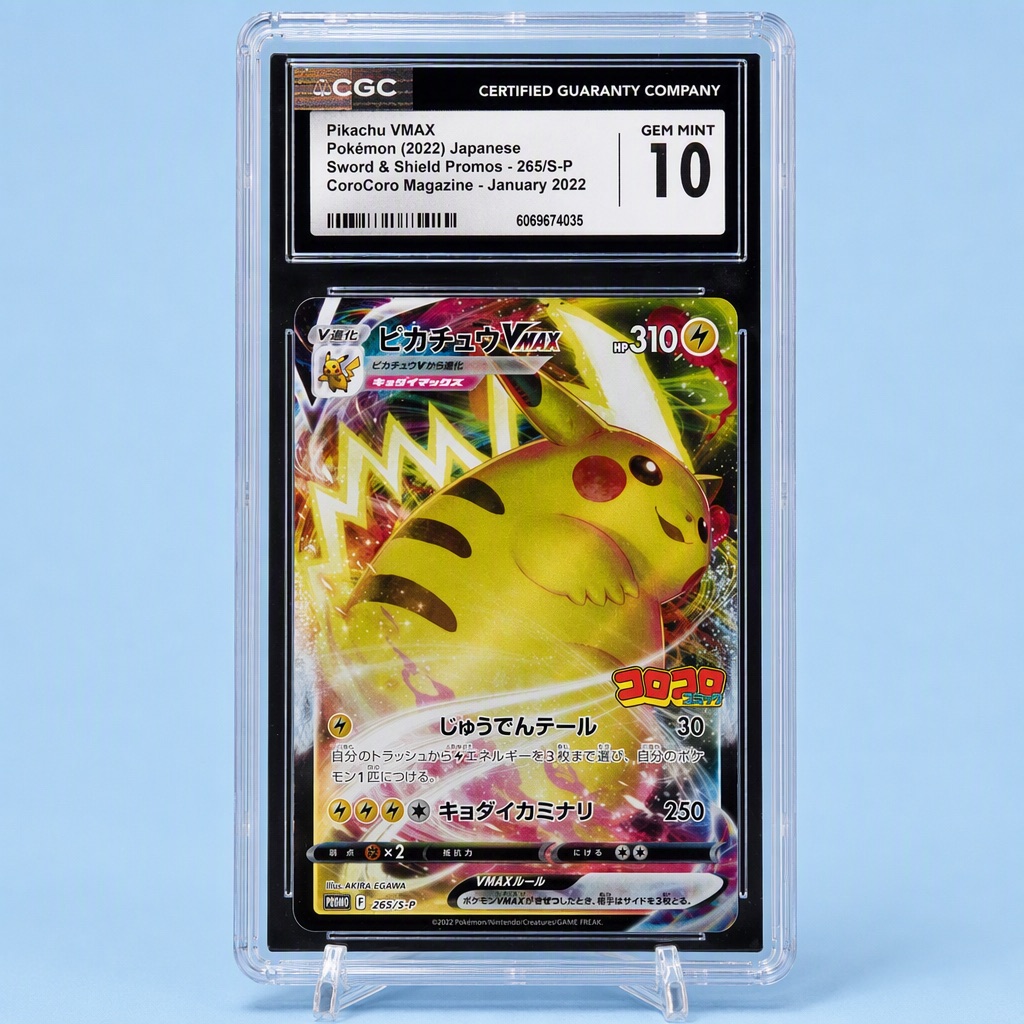
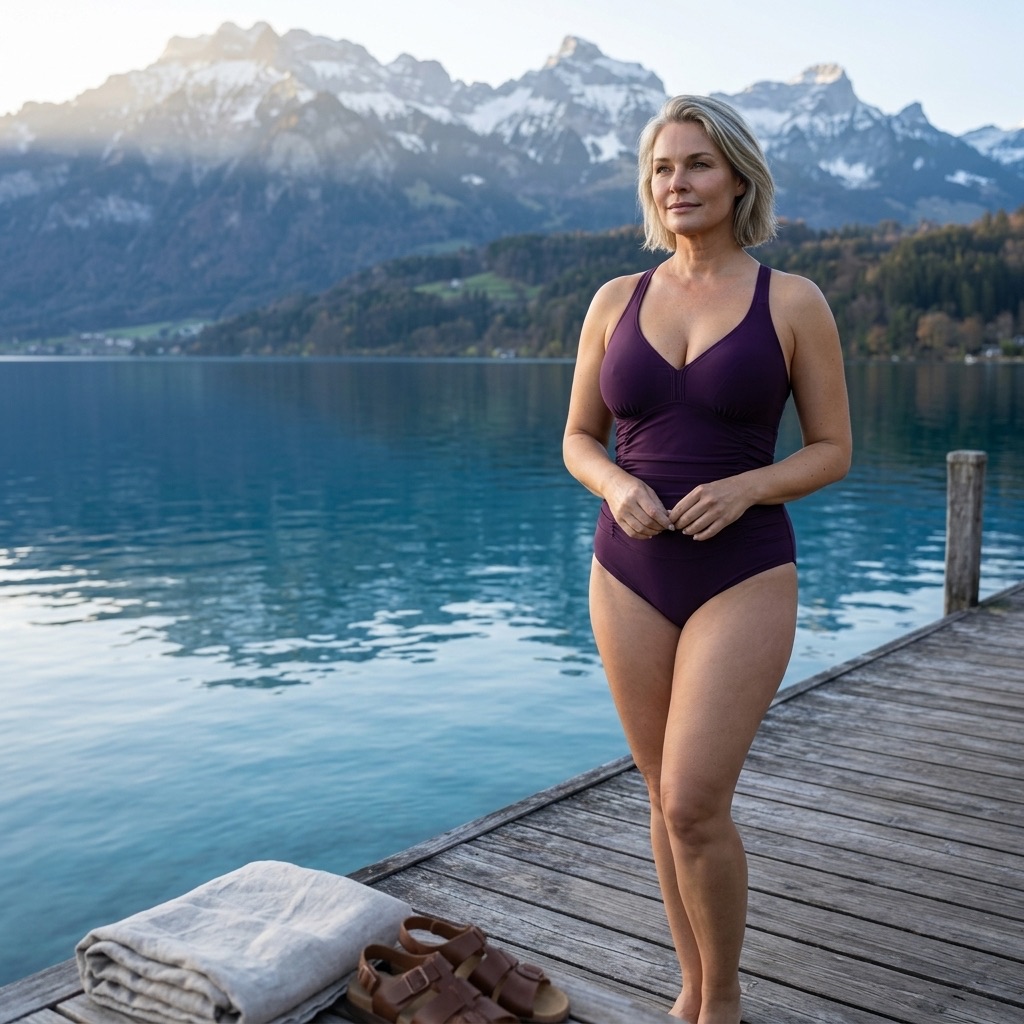
Generated from real customer product pages. Swimwear on location, a supplement jar on a lit studio set, a collectible shot flat and square: same pipeline, different direction each time.

Shapees swimsuit photographed on a lakeside dock with mountains behind
Lifestyle · on location
Shapees swimwear photographed on a coastal path in afternoon light
Lifestyle · in context
NuBest supplement jar on a purple-lit studio set with geometric blocks
Studio · lit set
A graded trading card in its slab, photographed square on a soft blue background
Studio · flat product
What this is and is not

A directed product shoot

Styles, moodboards, and reusable templates that hold a look across products, anchored to your real product so the output is usable on a PDP, a listing, or an ad. You own everything you generate.

Not a generic image generator

We do not invent a plausible version of your product from a text description, and we do not need your ad accounts, your store login, or anything beyond a URL or a few reference photos.

FAQ

The questions brand teams actually ask.

How does an AI product photoshoot work?

Paste a product URL or upload up to 8 reference photos, choose one of 5 styles, choose how many shots you want, and generate. There is no prompt to write. The shots land in your gallery, where you can edit, resize, save as a template, or animate them.

Will it keep my actual product accurate?

That is the point of anchoring the shoot to a URL or reference photos rather than a description. Packaging, colourway, proportions, and label detail carry through. When a single element still comes out wrong, Magic Edit fixes that element without regenerating the whole shot.

What is a moodboard for?

It is a nine-cell board of distinct visual directions generated from your product: palette, lighting, materials, and a hero shot list for each. It exists so you can reject a direction before paying to render it, and you can shoot directly from whichever cell you pick.

What are templates?

A template is a saved shot direction, not just a saved image. Save a frame you like and it keeps the framing and the intent as a reusable recipe you can apply to other products, which is how a catalogue keeps one look across many SKUs.

Can I turn a photo into a video?

Yes. Every finished still has an animate action that renders that exact frame as a 4 to 15 second product video at 4 credits per second, in 9:16, 1:1, or 16:9. Because it animates the approved still, the product cannot drift between the photo and the clip.

How much does a product photo cost?

1 credit each, half the cost of an ad creative. Starter includes 150 credits a month, so 150 product photos, and Pro includes 400. Magic Edit and size variations on a shot you already generated are free.

Can I use the photos on Amazon and my own store?

You own everything you generate, so yes. If Amazon is the goal specifically, the Amazon listing images page covers the nine-slot set and the rules that apply to the main image, which are stricter than anything a PDP asks for.

Shoot the catalogue

The shoot is the
bottleneck, not the idea.

Every brand has more products than shoot days. Pick a style, pick a count, and have the set before the studio would have confirmed a date.

Start free trial

7 days free · cancel before you're charged