Instagram creative

Vertical first, with the safe zones respected.

Reels and Stories hand a third of the frame to Instagram's own interface. A creative composed for a square and uploaded at 9:16 puts its hook under the caption bar. Paste a product URL and get frames built for where the UI actually sits.

9:16, 4:5, and 1:1 composed separatelyHook kept inside the safe zoneYou keep the media buying
How it works

One product page in. A vertical set out.

Instagram creative fails in two predictable ways: the wrong shape for the placement, and a hook sitting exactly where the caption bar lands. Both are composition problems, and both are fixable before upload.

Step 01

Paste your product URL

The product page is the source, so the shade of the packaging and the text on the label stay right. That matters more on Instagram than anywhere else, because the same product sits in your grid right next to the ad.

Step 02

Get the vertical set

9:16 for Reels and Stories, 4:5 for feed, 1:1 for carousel cards, each composed for its own frame. Subject and hook stay inside the central zone so the interface never lands on top of them.

Step 03

Animate the ones worth moving

Reels inventory rewards motion. Any still you like can be animated into a 4 to 15 second clip at 9:16 without reshooting it, so a static test that works becomes a video test the same afternoon.

Placement sizes

Six surfaces, and the UI takes a bite out of most of them.

The pixel sizes are the easy half. The half that decides whether a creative works is knowing which part of the frame Instagram is going to cover with its own furniture.

PlacementRatioPixelsWhat eats the frame
Reels9:161080 x 1920Handle and caption at the bottom, action rail on the right, so keep the hook centred
Stories9:161080 x 1920Profile row on top, reply bar underneath. Keep key content in the central 1080 x 1420
Feed4:51080 x 1350The tallest ratio the feed allows, and the default worth building for
Feed (square)1:11080 x 1080Safer across surfaces, but gives away vertical height against 4:5
Carousel1:1 or 4:51080 x 1080Every card has to share one ratio, so pick it before you build the set
Explore4:5 or 1:11080 x 1350Reached from the same feed assets, no separate upload needed
Checked against Meta's published creative guidance on 2026-08-17. Instagram changes its feed and grid crops more often than its ad ratios, so confirm before a large upload. Related reading: how to create Meta ad creative · why creative stops converting
What you get

Built for vertical, and for what sits on top of it.

Safe zones treated as composition, not padding

The usual fix for Instagram's interface is to shrink everything toward the middle and accept the dead bands top and bottom. That reads as a repurposed square. Composing at 9:16 from the start lets the frame use its full height while keeping the parts that must stay readable inside the central zone.

  • Hook, product, and any call to action kept in the central 1080 x 1420
  • Top and bottom bands used for atmosphere, not information
  • Right-hand action rail left clear on Reels compositions
  • No letterboxing and no visible upscaled square
Carousels that share a ratio

A carousel is one asset with several cards, and Instagram wants a single ratio across all of them. Mixing a 4:5 hero with 1:1 supporting cards gets the set cropped inconsistently, which is why LocalAds generates a carousel as a set rather than as individual images you assemble later.

  • One ratio locked across every card in the set
  • Cards built as a sequence, so the argument develops across swipes
  • 1:1 as the safe default, 4:5 when the whole set can carry it
  • Add or regenerate a single card without rebuilding the carousel

Animate a still into a Reel

Reels inventory is the cheapest attention on Instagram and the most expensive to produce, because motion normally means a shoot. Animate takes a still you have already generated and renders it as a short clip, keeping the product exactly as it was in the frame that earned the test.

  • 4 to 15 second clips from any finished still
  • 9:16 for Reels and Stories, plus 1:1 and 16:9 when you need them
  • 4 credits per second of video
  • Source still stays in the feed, linked to the clip it produced

Enough angles for a real posting cadence

Instagram burns creative faster than any other surface because the same people see the same account repeatedly. Fatigue there is a volume problem, and the only durable answer is being able to produce a genuinely new angle set in minutes rather than booking the next shoot.

  • Distinct angles per audience rather than recolours of one image
  • Batches from 3 to 30 creatives per campaign
  • 2 credits per ad creative, so Starter's 150 covers 75
  • Magic Edit and size variations on finished creatives are free
Example output

Four brands, four different angles.

Unedited LocalAds output from real customer product pages. The placement sizes are in the table above; what these show is range, from brand-led editorial through to a straight before-and-after proof shot.

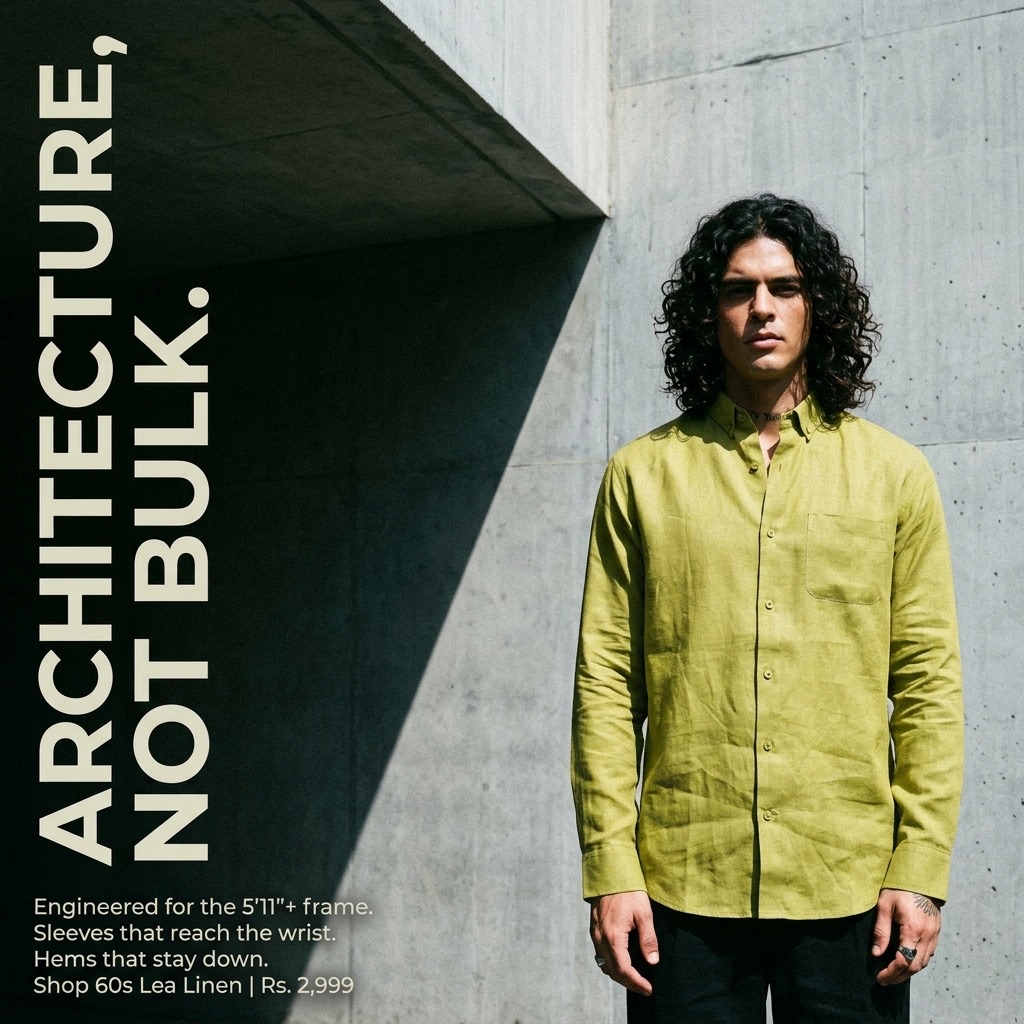
5feet11 menswear creative of a model in an olive linen shirt against concrete, headlined Architecture, not bulk
Editorial · brand-led
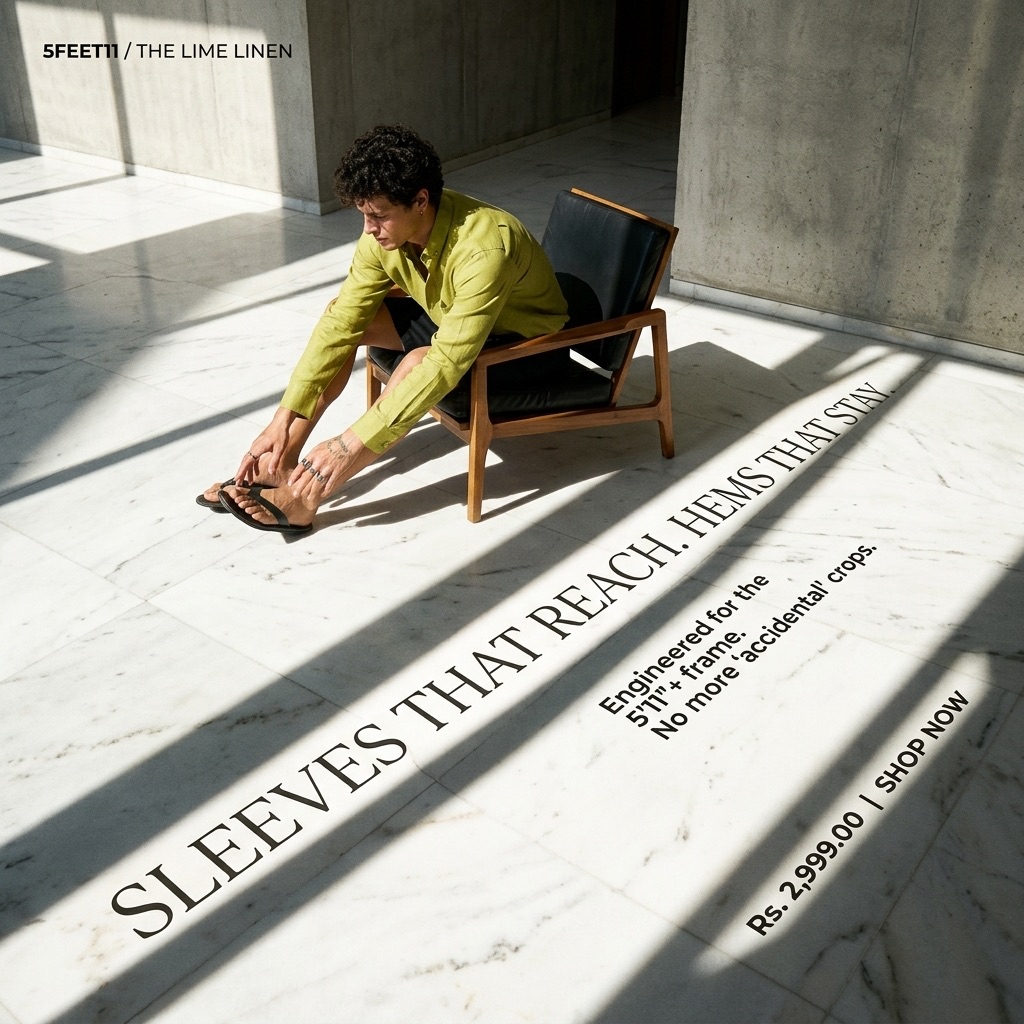
5feet11 creative of a seated model in hard shadow, headlined Sleeves that reach the wrist
Editorial · detail-led
Better Bright creative of mineral toothpaste on a dark set, headlined The mineral that rebuilds enamel
Product hero · claim-led
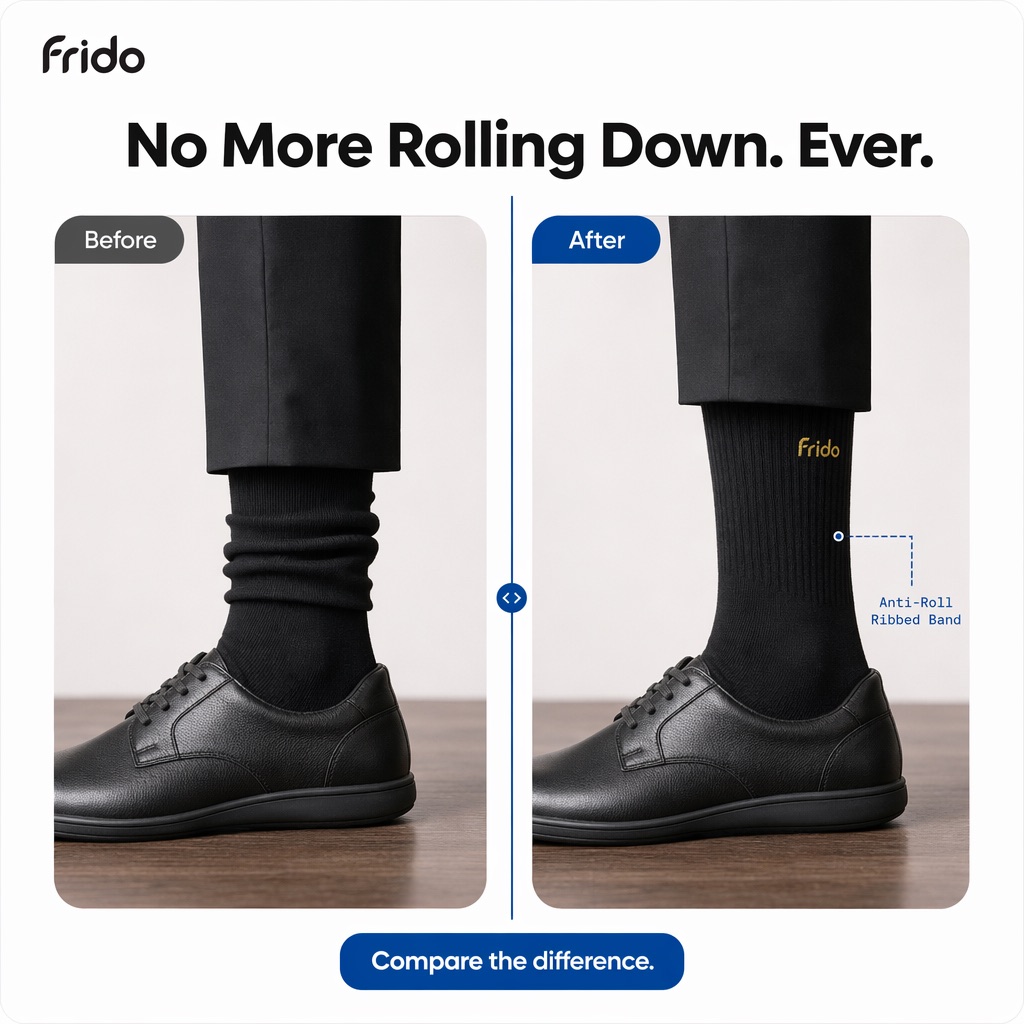
Frido creative comparing socks before and after wear, headlined No more rolling down, ever
Before and after · proof
What we do and do not do

LocalAds makes the creative

Placement-correct stills and short clips generated from your real product page, composed for the frame they will run in, with enough angles to keep a Reels and Stories cadence going without a shoot each round.

LocalAds does not post or buy

We are not a Meta partner, we do not place or manage ads, we do not publish to your Instagram account, and we never need your login or ad account access. You upload and schedule everything yourself.

FAQ

The questions social buyers actually ask.

What size should Instagram ad creative be?

9:16 at 1080 x 1920 pixels for Reels and Stories, 4:5 at 1080 x 1350 for feed, and 1:1 at 1080 x 1080 for carousel cards and square placements. Building each as its own composition beats cropping one master image, because a crop strands the headline and cuts the product.

What are the Instagram safe zones?

Instagram draws its own interface over your creative: the profile row and close button at the top, the caption and reply bar at the bottom, and on Reels an action rail down the right side. The practical rule is to keep text, logos, faces, and calls to action inside roughly the central 1080 x 1420 of a 1080 x 1920 frame.

Can carousel cards be different shapes?

No. Every card in a carousel has to share one aspect ratio, so choose it before you build the set. 1:1 is the safest choice because it survives the most placements, and 4:5 is worth it when the whole set can be built vertically.

How is this different from your Meta ads page?

Same account, different creative problem. The Meta ads page is about covering every placement ratio across Facebook and Instagram inventory. This page is about the vertical-first surfaces specifically: Reels, Stories, carousels, and the 4:5 feed, where the interface eats part of the frame and safe zones decide whether the hook survives.

Can I turn a still into a Reel?

Yes. Any finished still can be animated into a 4 to 15 second clip at 9:16, which costs 4 credits per second. The product stays exactly as it was in the still, so a static creative that already tested well becomes a video test without a reshoot.

Does LocalAds post to my Instagram account?

No. LocalAds generates creative and nothing else. We do not publish, schedule, place ads, or manage campaigns, and we never need your Instagram login or ad account access. You download the assets and upload them yourself.

Build for the frame

The interface takes
its third either way.

You can plan around it or lose your hook to it. Paste a product URL and get frames composed for where the UI actually sits.

Start free trial

7 days free · cancel before you're charged